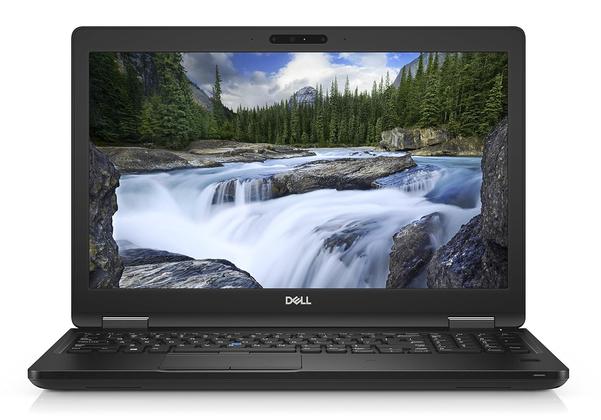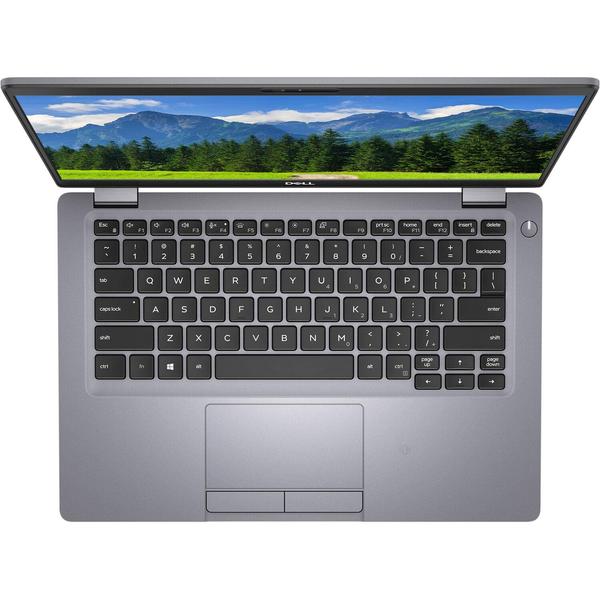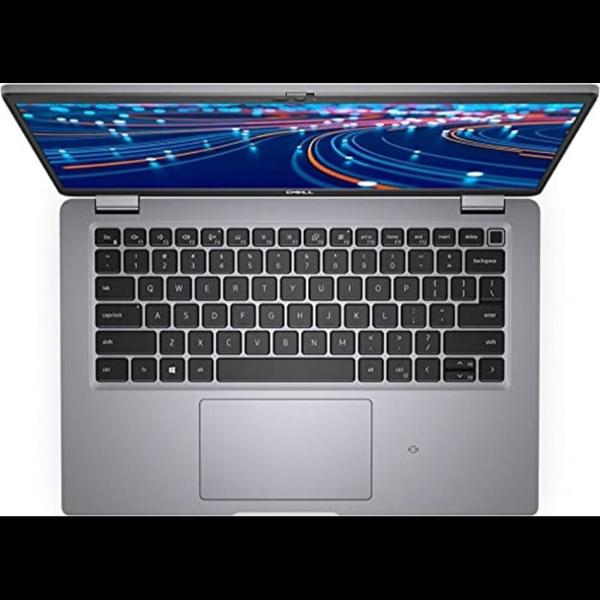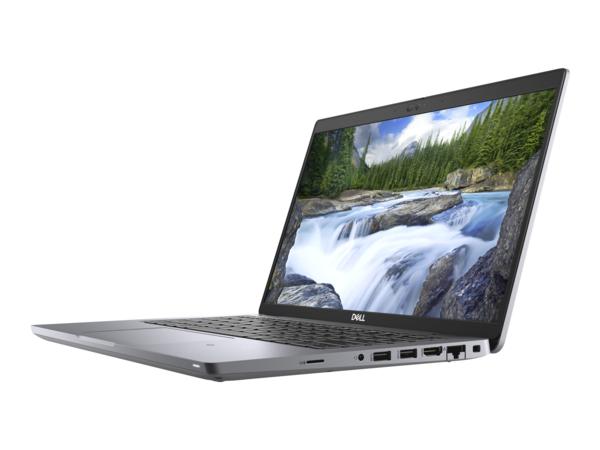
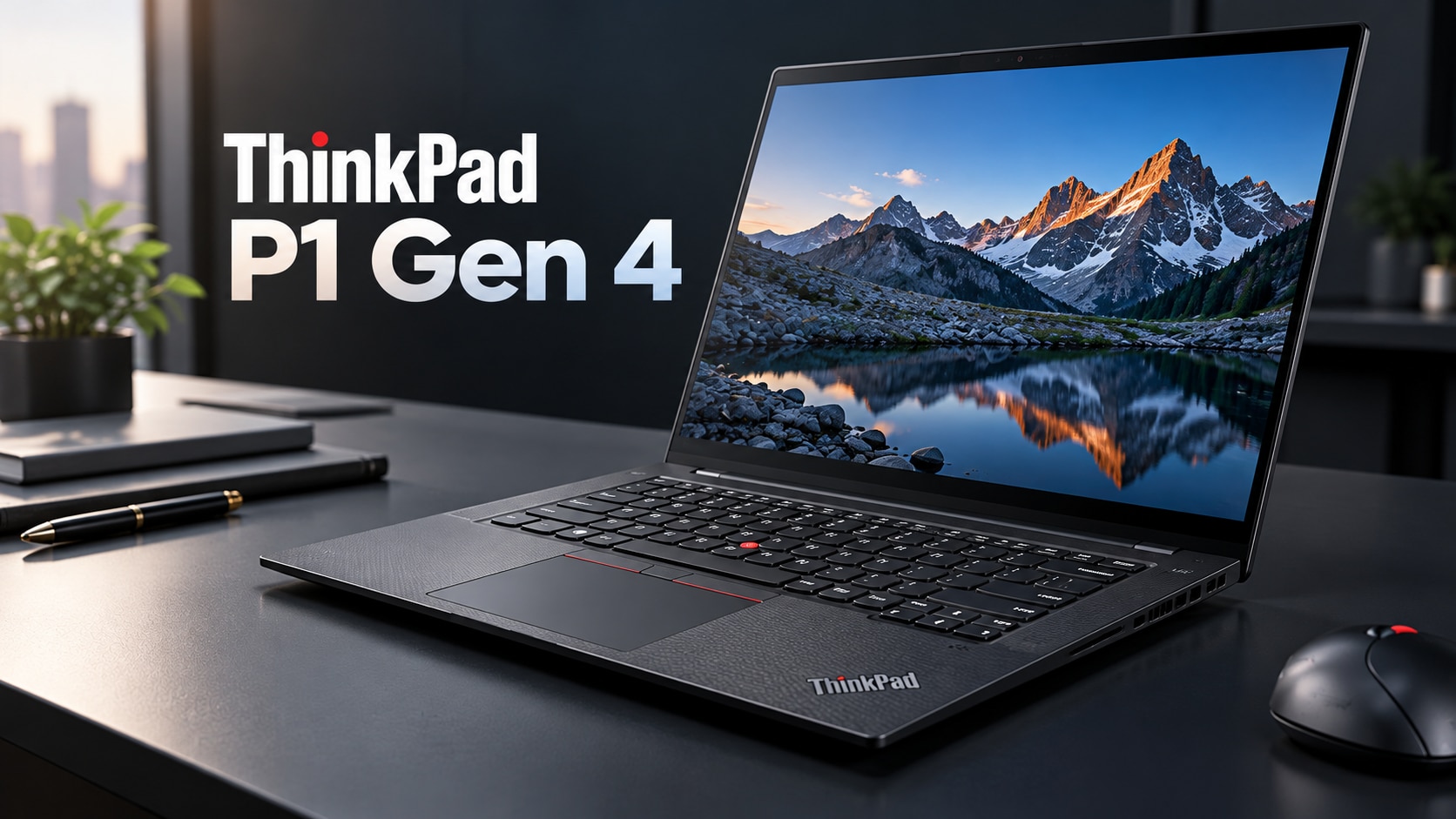
A ThinkPad P1 Gen 4 listing that says only “Core i7,” “dedicated graphics,” or “1TB SSD” leaves out the details that determine speed, battery life, display quality and upgrade potential. Use the machine type, serial-based specification and hands-on tests to confirm the exact processor, GPU, panel, memory, storage, charger and battery before you pay.
Key takeaways
- Ask for the Lenovo machine type or serial-based specification.
- Compare the exact CPU, GPU, RAM, SSD and display configuration.
- Test every port, the battery, charger and display before acceptance.
- Inspect refurbished condition, warranty terms and return conditions in writing.
Confirm the Exact P1 Gen 4 Configuration Before Comparing Prices
A dealer title does not identify the machine you will receive. Ask for the Lenovo machine type or serial-based specification, then record the exact processor, GPU, memory and SSD details before comparing ThinkPad P1 Gen 4 prices.
| Configuration | Specifications to verify | What it affects |
|---|---|---|
| Processor | Core i7-11800H (8 cores, 16 threads, 2.3 GHz base, 4.6 GHz turbo), i7-11850H (8 cores, 16 threads, 2.5 GHz base, 4.8 GHz turbo), or another 11th-generation chip | CPU-heavy compiling, rendering and virtual machines |
| Graphics | Integrated Intel graphics, NVIDIA T500, T1200, RTX A2000, RTX A3000, RTX A4000 or RTX A5000; request the VRAM capacity | Integrated graphics suit office work; T-series GPUs suit lighter CAD; RTX models handle demanding 3D, CUDA and professional rendering |
| Memory | 16GB, 32GB or another capacity; confirm DDR4-3200 SO-DIMM modules, occupied slots and upgrade room | Two memory slots support expansion up to 64GB in applicable configurations |
| Storage | 256GB, 512GB or 1TB M.2 PCIe NVMe SSD; confirm occupied slots, SSD health and replacement status | The platform has two M.2 storage slots in applicable configurations, so “1TB” could mean one drive or multiple drives |
A listing from refurbished laptop dealers NCR ThinkPad P1 Gen 4 searches should not be trusted without those figures. ThinkPad P1 Gen 4 NCR listings can differ sharply in performance, even with identical chassis photos. Include every confirmed specification on the invoice.
Match the 16-Inch Display and GPU to Your Actual Work
The 16:10 panel changes the P1 Gen 4’s usefulness before you even consider the GPU. WQXGA at 2560×1600 gives CAD drawings, timelines and code more vertical space than a 1920×1080 screen; UHD+ at 3840×2400 produces sharper text and finer video detail, but increases scaling demands and power use.
| Configuration to verify | Best fit | Limitation |
|---|---|---|
| Intel integrated graphics | Office work, programming and light 2D CAD | Poor choice for 3D assemblies, rendering or GPU effects |
| NVIDIA T500 or T1200 | 2D CAD, moderate 3D models and accelerated editing | Less headroom for complex scenes and high-resolution effects |
| RTX A2000 or A3000 | Larger CAD assemblies, 3D modelling and serious video editing | Costs more power and needs sustained cooling |
| RTX A4000 or A5000 | Heavy rendering, simulation and demanding GPU timelines | Highest heat, weight and battery demands |
Ask for the exact GPU and VRAM; “dedicated graphics” does not identify performance. Also check your software vendor’s certification list, because an RTX A-series card is not automatically certified for every CAD or editing application.
For programming and office work, WQXGA is usually the sensible balance: sharp, spacious and easier on battery than UHD+. Video editors benefit from UHD+ when reviewing 4K footage, while CAD users should prioritise the GPU and VRAM over panel resolution.
A refurbished workstation laptop NCR search should include the exact display and GPU, not just the phrase “ThinkPad P1 Gen 4 NCR.”
Check Ports, Battery, Charger and Portability as a Complete System
A P1 Gen 4 that works at a desk can still fail on the road if its battery is worn or its charger is underpowered.
Check the exact port layout: two Thunderbolt 4 USB-C ports, two USB-A ports, HDMI 2.1, an SD card reader, audio jack and the power connector should all be present and tested.
Ask for these details before paying:
- Record the battery’s full-charge capacity against its original 90 Wh design capacity, plus the cycle count. A large capacity loss means shorter unplugged work and sudden shutdown risk.
- Confirm the supplied Lenovo adapter’s wattage and connector. The CPU and NVIDIA GPU configuration can require a higher-power adapter; a generic low-wattage USB-C charger can produce charging warnings or reduce performance.
- Test charging while the laptop is running a demanding workload. A charger that only maintains the battery during light office use is not a reliable travel setup.
- Weigh the complete package, not only the chassis. The P1 Gen 4 starts around 1.8 kg, but the display, battery configuration, and power brick change the carried weight.
- Test every USB-C, USB-A, HDMI and SD port with a real device. Check that Thunderbolt accessories, external displays and storage drives connect without dropouts.
- Ask whether the SSD occupies one or two M.2 slots, and record SSD health and replacement status if you carry large work files offline.
Refurbished laptop dealers NCR listings should state the battery policy, charger wattage and cosmetic grade in writing, not hide them behind “renewed” or “used.”
Inspect a Refurbished P1 Gen 4 Before You Accept It
A short boot proves that the ThinkPad P1 Gen 4 starts; it does not reveal throttling, failing ports, storage errors or a weak battery. Inspect the machine while it is cold, then test it under sustained load before accepting delivery from refurbished laptop dealers NCR.
Check these physical and software points:
- Open and close the lid, inspect hinge movement, chassis cracks, display pressure marks and dead pixels, then test every key, trackpad, USB port, Thunderbolt port, HDMI output, webcam and speaker.
- Enter BIOS and confirm there is no supervisor or startup password. In Windows, check Device Manager for warning icons and verify the processor, NVIDIA GPU, RAM and NVMe drive match the listing.
- Run CrystalDiskInfo for SSD health and power-on hours, and generate a Windows battery report. Compare full-charge capacity with design capacity; a large loss explains short unplugged runtime.
- Connect the supplied Lenovo-rated adapter. A low-wattage substitute can trigger charging warnings or reduce performance.
| Test | Run | Failure to watch for |
|---|---|---|
| CPU | Cinebench R23 multi-core loop for 20 minutes | Falling clock speed, crashes or abnormal fan noise |
| GPU | 3DMark Time Spy or a Blender render for 20 minutes | Artifacts, driver resets, black screen or severe throttling |
| Combined | Video export or CAD render while monitoring temperatures | Shutdown, charging warning or performance collapse |
Thermal paste, dust and worn fans often pass idle checks but fail sustained work. This matters when comparing any refurbished workstation laptop NCR listing, not just a “renewed” label. Record test results and faults before signing acceptance.
Buy Safely from Refurbished Laptop Dealers in NCR
A dealer title is not enough to identify the machine. Ask for the Lenovo machine type, serial number, processor model, GPU, RAM, SSD capacity, panel resolution, battery health, keyboard layout, and shipped weight; confirm these details against Lenovo’s specification record, not a stock photograph.
Ask refurbished laptop dealers NCR to put the following on the invoice:
- Exact Core i7-11800H, i7-11850H, or other processor, with RAM capacity and upgrade status
- NVIDIA T500, T1200, RTX A2000, or integrated graphics
- NVMe SSD size, SSD health, occupied M.2 slots, and whether the drive was replaced
- Display resolution, touch status, dead-pixel condition, and backlight wear
- Battery-health percentage or the dealer’s stated replacement threshold
- Lenovo-rated charger wattage and whether it is original or a substitute
- Cosmetic grade, BIOS-password status, and confirmation that hardware diagnostics passed
A low-wattage generic USB-C charger can trigger charging warnings and restrict performance. For a ThinkPad P1 Gen 4 NCR purchase, the written warranty must state its duration, covered parts, battery treatment, repair or replacement process, and who pays shipping. “Refurbished” alone defines none of these terms.
Read the return policy before paying: confirm the number of days, whether testing is allowed, restocking fees, return shipping, refund timing, and exclusions for opened packaging or cosmetic complaints. Digidivine IT Solutions should provide the same configuration and condition details you need to compare any NCR listing fairly.
Related product
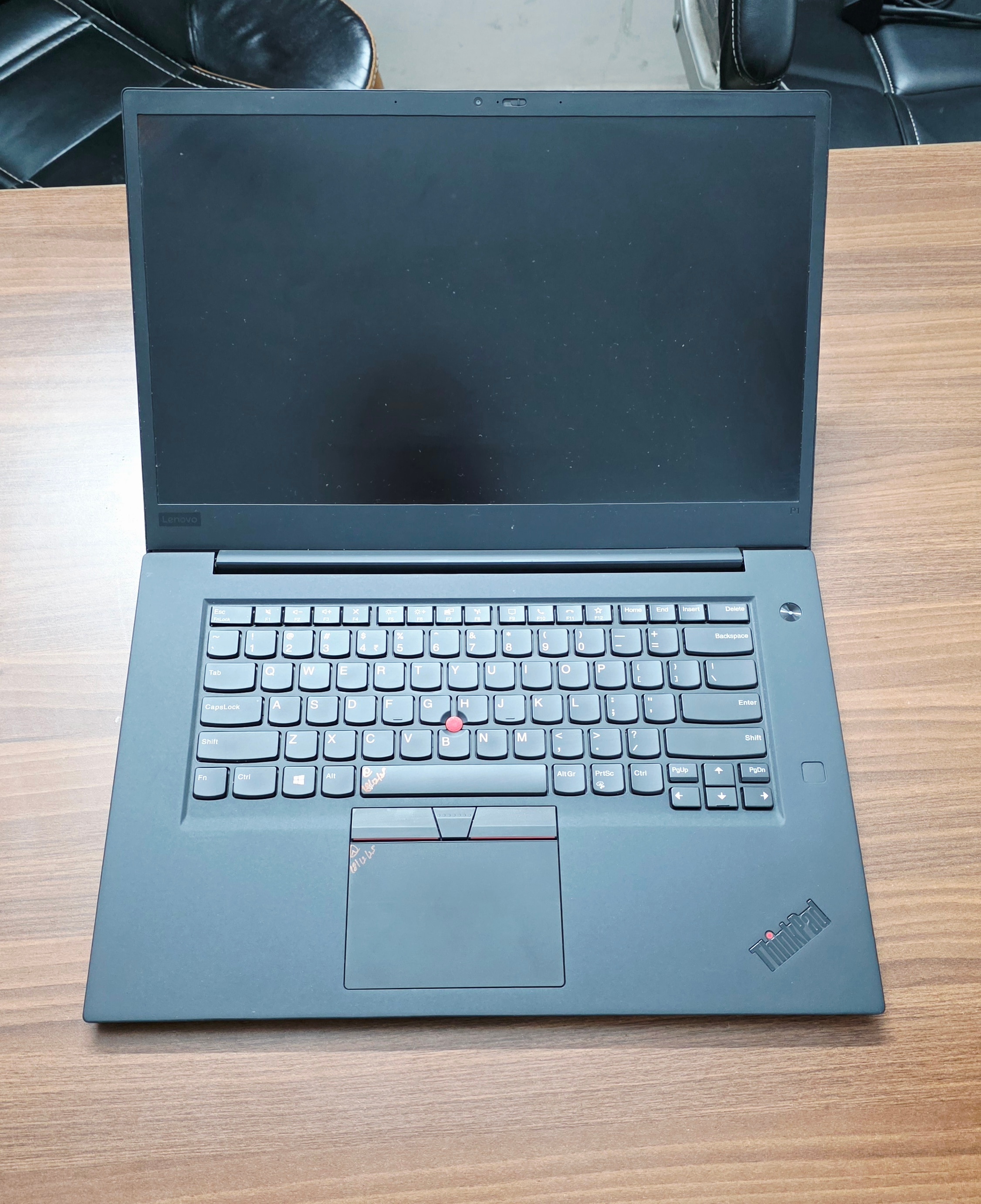 | Laptop Lenovo ThinkPad P1 Gen 4 Workstation Laptop I7 11th GEN Lenovo ThinkPad P1 Gen 4 Workstation Laptop The Lenovo ThinkPad P1 Gen 4 is a powerful, premium mobile workstation designed for professionals who... View product → |
Frequently asked questions
How do you confirm the exact ThinkPad P1 Gen 4 configuration?
Ask the dealer for the Lenovo machine type or serial-based specification, then record the processor, GPU, memory and SSD details.
How should you match the P1 Gen 4 display and GPU to your work?
Choose the display and graphics processor based on your applications, such as office work, design, engineering software or 3D rendering.
What should you check besides the laptop specifications?
Check the 16-inch display, every port, battery condition, included charger and total portability as one system.
What should you inspect before accepting a refurbished ThinkPad P1 Gen 4?
Inspect the screen, keyboard, trackpad, ports, hinges, chassis, battery behaviour, charger and operating system, and confirm the written warranty and return terms.
How can you buy safely from refurbished laptop dealers in NCR?
Request the exact configuration in writing, compare like-for-like machines, verify the dealer's invoice and warranty, and test the laptop before accepting it.
Keywords