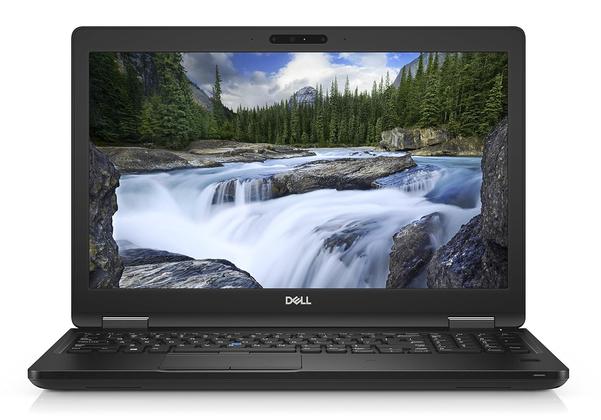
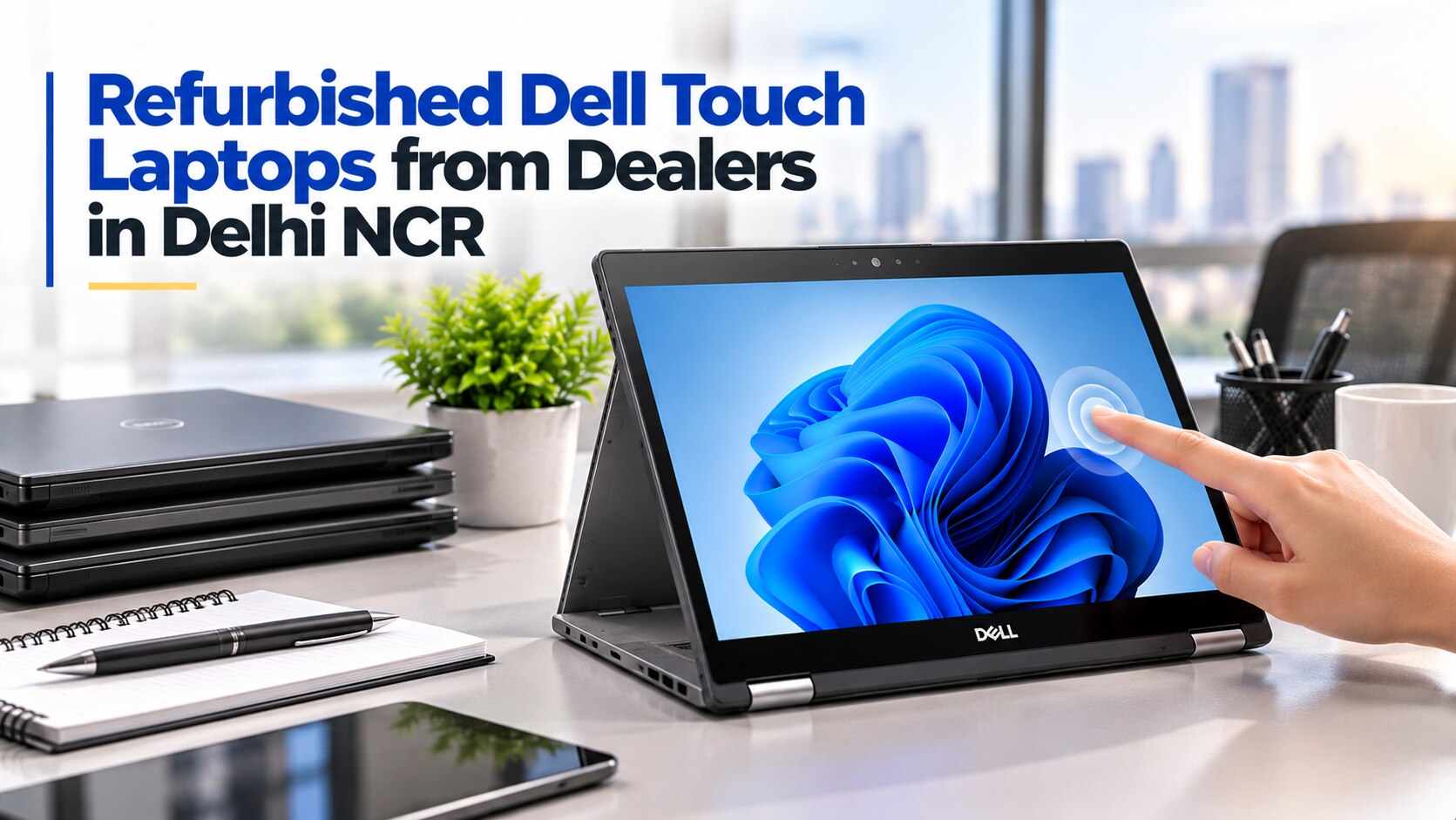
A Dell Latitude model number alone does not prove that the laptop has a working factory touchscreen, and a seller’s “A grade” label says little about battery life or replacement parts. By the end, you will be able to identify the right configuration, inspect it in person, verify its hardware and battery, and compare Delhi NCR dealers on terms that matter after payment.
Key takeaways
- Confirm touch input from the exact model’s service tag and display specification.
- Test every touch area, hinge position, port, webcam, keyboard, and charger before payment.
- Request battery health, SSD health, Windows 11 compatibility, and a written warranty.
- Compare dealers by testing access, return terms, invoice details, and replacement support.
Which Dell Latitude models actually have touch input?
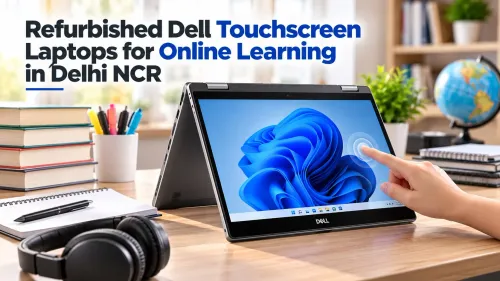
Touch is a configuration requirement, not a guarantee attached to the Latitude family name. A dell latitude 5310 refurbished unit could have either a 13.3-inch 1920×1080 Full HD touch panel or a non-touch display.
Likewise, dell latitude 5420 touch refurbished means a 14-inch Latitude 5420 with its optional 1920×1080 touch display, which you must confirm in Windows, BIOS or through the service tag.
| Model | Touch reality | What to verify |
|---|---|---|
| Latitude 5310 | Touch and non-touch versions exist | Windows touchscreen detection and actual panel resolution |
| Latitude 5420 | Touch is optional | Windows, BIOS or service-tag display information |
| Latitude 7390 | Standard model is not automatically convertible | Confirm the 360-degree Latitude 7390 2-in-1 designation for tablet use |
Ask the seller for the exact processor number, such as i5-10310U or i5-1145G7. “Core i5” hides a material generation difference affecting performance and compatibility. A glossy panel only reflects light; it does not prove touch capability, and a listing title containing refurbished Dell Latitude touch is not evidence either.
Before paying, request:
- A photograph of the actual screen operating in Windows
- The service tag and matching system information
- Confirmation that touch works across the entire panel
- The exact CPU, RAM, SSD and display resolution
How should you compare refurbished laptop dealers in Delhi NCR?
Compare three listings side by side, not three seller claims. Search results for “refurbished laptop dealers ncr dell latitude for touch” can label a filter as touch, so require evidence from the actual unit.
- Ask every local shop, online refurbisher and marketplace seller for the service tag, a photograph showing the touchscreen operating in Windows, exact CPU, RAM, SSD, display resolution, battery Design Capacity and Full Charge Capacity, cosmetic condition, and written warranty.
- Treat “renewed,” “refurbished,” “A grade” and “like new” as seller-defined labels, not technical standards. They do not prove original parts, battery health or data erasure.
| Option | Compare | Red flag |
|---|---|---|
| Local shop | Inspect the unit; confirm service tag on the invoice; ask who pays inspection or return transport | Verbal warranty only |
| Online refurbisher | Check return or replacement days, shipping charges and touchscreen, battery and charger coverage | Photos show a different unit |
| Marketplace listing | Demand written specifications and seller remedy before payment | “Testing warranty” with no remedy or deadline |
Check whether the invoice identifies the service tag and states what happens when the touchscreen, battery or charger fails. Digidivine IT Solutions is one Delhi dealer you can ask these questions of; its location does not replace inspecting the laptop.
Include sellers among refurbished laptop dealers ncr only after comparing these terms. A low price loses its advantage if a screen fault leaves you paying return freight or negotiating an undefined “testing warranty.”
Related products
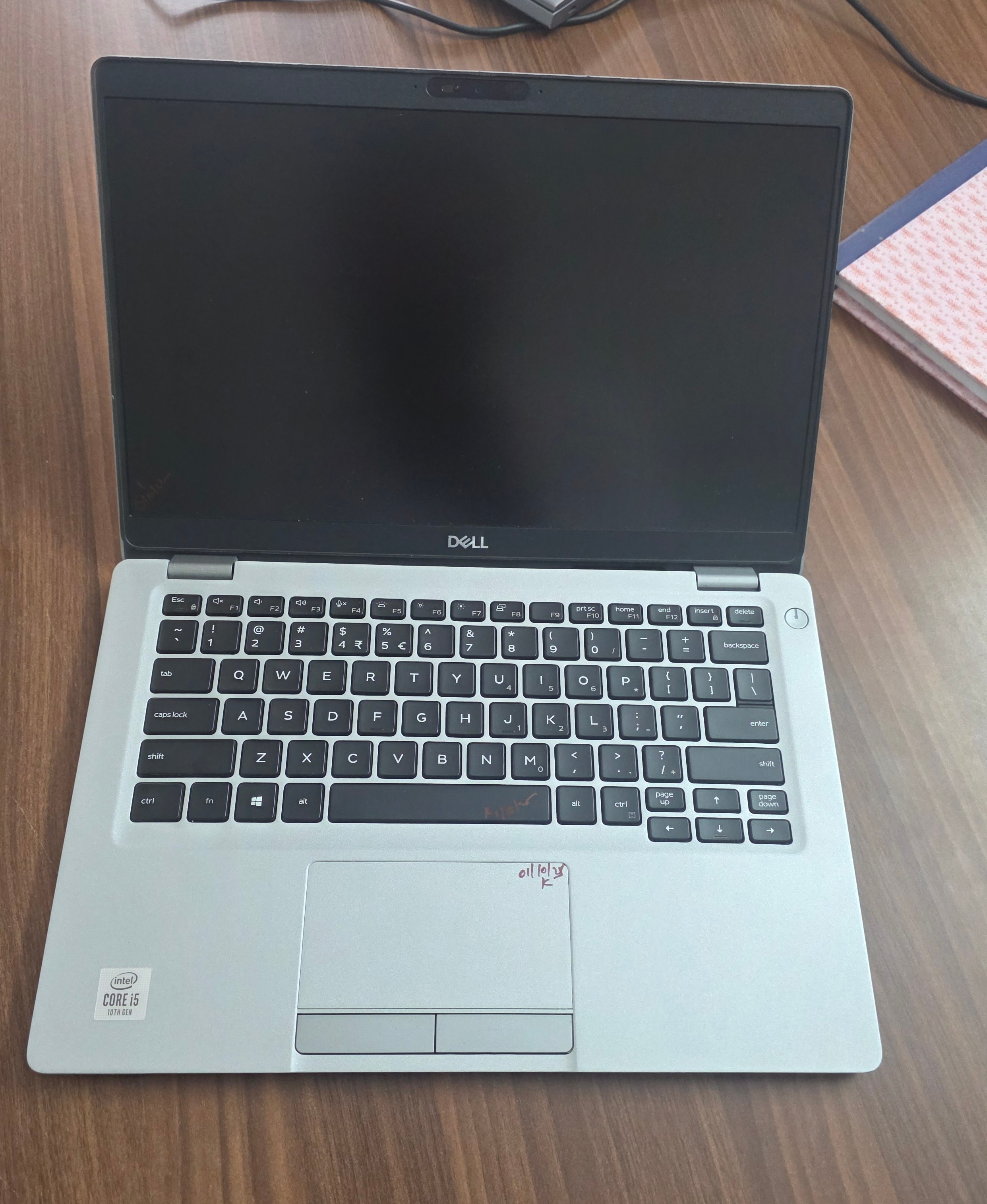 | Laptop Dell Latitude 5310 Touch i5 10th Gen 16GB RAM 256GB SSD (Refurbished) ₹99999 Upgrade your work experience with the Dell Latitude 5310 Touch Refurbished Laptop, a reliable and powerful machine from Dell’s premium Latitude... View product → |
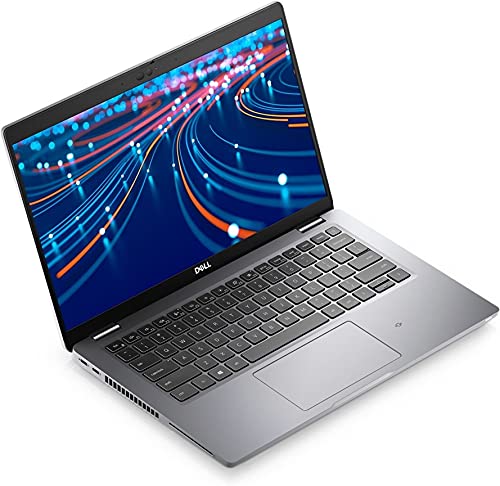 | LAPTOP Dell Latitude 5420 i5 11th 8GB 256GB Screen (Refurbished) ₹110000 Dell Latitude 5420 – Intel Core i5 11th Gen | 16GB RAM | 512GB SSD | Touch Screen (Refurbished) Upgrade your productivity with the powerful and sleek... View product → |
What must you test on the laptop before paying?
Set aside 10 minutes and test the actual machine before discussing price. A refurbished Dell Latitude touch listing proves nothing until the panel, hinge, keyboard, ports and wireless hardware work in front of you.
1. Open a blank drawing app or browser window. Touch all four corners, both edges and the centre; drag across the panel, perform edge swipes, hold one finger for a long-press, and place several fingers down together. Look for dead zones, failed palm rejection and ghost touches.
2. Move the hinge from fully closed to fully open, including each usable angle. Stop if the display flickers or the hinge makes cracking sounds.
3. Type across every keyboard row, including numbers and function keys. Click both trackpad buttons, then test two-finger scrolling, pinch-to-zoom and other gestures.
4. Connect a USB-C charger and confirm that the battery actually charges. Do not assume the port supports Power Delivery because it has a USB-C shape.
5. View the screen against white and black backgrounds. Look for bright spots, pressure marks, vertical or horizontal lines and uneven backlighting.
6. Test every USB port, HDMI, the audio jack, Wi-Fi, webcam, microphone and speakers. Record each failure before negotiating; a low price does not repair a dead digitizer or missing port.
How can you prove the advertised hardware and screen are genuine?
A reset Windows installation proves nothing about hardware. Before payment, run this sequence and keep photographs of every result.
- Open Windows System Information and check System Model, Processor and Installed Physical Memory. In BIOS, compare the model, service tag, memory and storage details with the invoice; upgraded RAM or SSD must match the advertised configuration.
- Run Dell SupportAssist and Dell pre-boot diagnostics. Test memory, SSD, battery, fan and display, then photograph every error code instead of accepting a seller’s “passed” screenshot.
- In Device Manager, confirm HID-compliant touch screen under Human Interface Devices. Calibrate touch in Windows, then inspect display-part information in SupportAssist or BIOS when available.
| Check | Acceptable evidence | Warning sign |
|---|---|---|
| Service tag | Chassis, BIOS and invoice match | Mismatch or unexplained motherboard replacement |
| Touch panel | Accurate corner and edge response; calibration completes | Dead edge, ghost touches or failed calibration |
| Screen assembly | Even bezel and Dell display information | Loose or uneven bezel, mismatched fit or missing panel details |
A matching service tag proves the laptop’s identity only; it does not prove the screen or battery is original. Treat listings such as refurbished laptop dealers NCR Dell Latitude for touch and Dell Latitude 5420 touch refurbished as claims until this sequence confirms them. Never pay for a “touch” filter or title alone.
How should you judge battery, SSD health and Windows 11 readiness?
Battery condition needs three checks, not a seller’s “good battery” label. Open Command Prompt, run powercfg /batteryreport, then open the generated HTML file and compare Full Charge Capacity with Design Capacity. A large gap indicates wear.
- Check BIOS battery health and perform a short unplugged runtime test. Calibration can make the BIOS and Windows report disagree.
- Ask for the battery’s current capacity and original capacity in watt-hours.
- Check SSD health with CrystalDiskInfo or the manufacturer’s utility. Record health percentage, power-on hours and media errors; capacity alone says nothing about wear.
- Confirm the exact CPU, TPM 2.0, UEFI Secure Boot capability, at least 4GB RAM and 64GB storage before buying for Windows 11.
| Check | What to record | Why it changes the decision |
|---|---|---|
| Battery | Current and original capacity | A replacement pack adds cost, so a low price may not remain low |
| Battery warranty | Written coverage and remedy | It reduces risk after purchase |
| SSD | Health percentage, hours and errors | A 256GB or 512GB drive can still be heavily worn |
| Windows 11 | CPU and firmware requirements | “Business laptop” and an SSD do not prove eligibility |
Ask refurbished laptop dealers NCR to provide these figures before payment, rather than accepting vague grades.
Which configuration fits office work, study and travel?
A Dell Latitude 5310 refurbished is the practical choice for lighter travel, browser-heavy work and accounting when a compact machine matters. The Dell Latitude 5420 touch refurbished gives you more working room and newer 11th-generation processing for Excel, video calls and several applications.
A refurbished Dell Latitude touch listing should not decide the use case; the configuration does.
| Option | Best fit | Main caution |
|---|---|---|
| Latitude 5310 | Commuting, browser work and basic accounting | Confirm touch input and the advertised configuration |
| Latitude 5420 | Large spreadsheets, video calls and multitasking | Confirm the 11th-generation processor and touchscreen |
| Latitude 7390 2-in-1 | Tablet posture, stylus notes and presentations | Inspect the 360-degree hinge and convertible mechanism closely |
Choose 16GB RAM for large browser sessions, Excel workbooks, accounting software and online classes. Choose 8GB only for lighter workloads, and ask whether the memory is upgradeable.
Choose 256GB SSD storage if you keep documents in the cloud. Choose 512GB for local invoices, media, backups and business files.
Before paying, check:
- Touch proof in Windows and configuration match
- Dell diagnostics results
- Battery design and full-charge figures
- SSD health and error status
- Invoice showing the exact unit
- Written warranty covering the touchscreen and charger
Frequently asked questions
Which Dell Latitude models have touch input?
Touch depends on the exact configuration, not the Latitude family name. A Dell Latitude 5310 refurbished unit can have a 13.3-inch 1920×1080 Full HD touch display or a non-touch panel. Confirm the service tag and display specification before buying. Dell Latitude 5420 touch refurbished units also require configuration-level verification.
How should you compare refurbished laptop dealers in Delhi NCR?
Compare dealers by inspection access, invoice with serial number, written warranty, return or replacement terms, charger inclusion, and support after purchase. Ask for the exact model, processor, RAM, SSD capacity, display resolution, and touch status in writing.
What must you test before paying for a refurbished touch laptop?
Open a white, black, and grey screen to find defects; test touch at every edge and corner; check the hinge, keyboard, trackpad, webcam, speakers, Wi-Fi, USB ports, HDMI, charging, and fingerprint reader. Confirm the charger fits securely.
How can you prove the advertised hardware and screen are genuine?
Match the service tag in BIOS, Windows System Information, and the underside label. Verify RAM and SSD in Windows, check display resolution and touch support in Settings, and compare the service-tag result with the invoice.
How should you judge battery, SSD health, and Windows 11 readiness?
Generate a Windows battery report and compare full-charge capacity with design capacity. Check SSD health and written data with a tool such as CrystalDiskInfo. Confirm TPM 2.0, Secure Boot, supported processor generation, 4GB RAM minimum, and 64GB storage for Windows 11.
Related product
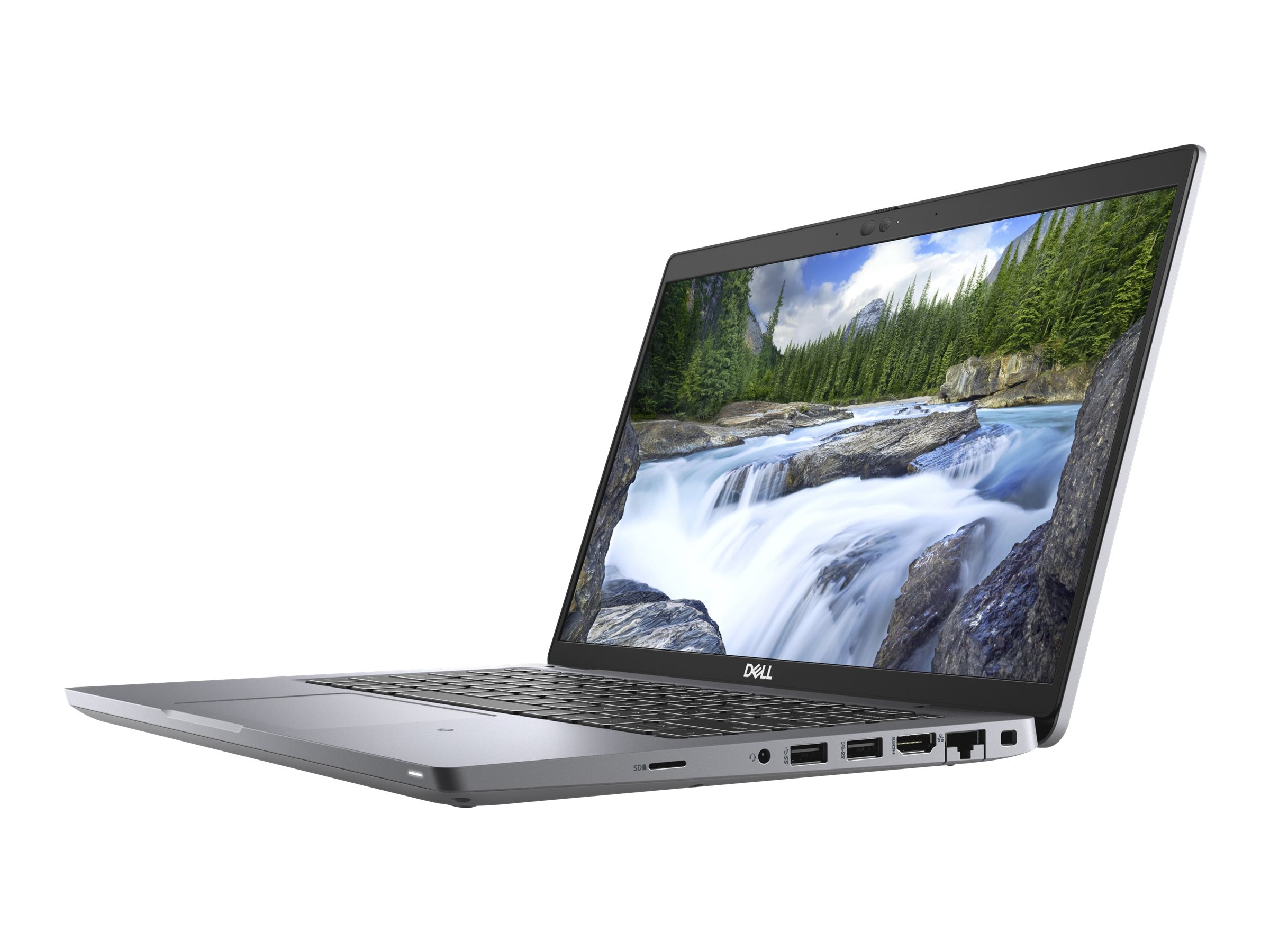 | LAPTOP DELL LATITUDE 5420 TOUCH I7 11TH GEN 8GB 256GB SSD ₹136999 🔥 **Refurbished Dell Latitude 5420 – High-Performance Business Laptop at the Best Price!** 💻 Upgrade to the Refurbished Dell Latitude 5420, a... View product → |
Keywords