The model number alone does not tell you whether a used Latitude will handle accounting, programming, video calls, or travel reliably. By comparing processor generation, upgrade headroom, battery condition, Windows support, and the seller’s test evidence, you can choose a suitable machine and reject risky stock before payment.
Key takeaways
- Choose an eighth-generation Core i5, 16 GB RAM, and 512 GB SSD for balanced daily work.
- Pick the Latitude 5490 for newer performance; choose the 7470 for lower-cost basic office use.
- Check battery health, display, keyboard, ports, SSD, and BIOS before paying.
- Ask NCR sellers for the exact model, serial number, warranty, and return terms.
Match Latitude generation and configuration to your workload
Choose an eighth-generation Core i5 Latitude with 16 GB RAM and a 512 GB SSD for the best general-purpose balance. It handles office applications, accounting, research, video calls, and coding without paying for an unnecessary Core i7.
| Generation | Processor class | RAM and SSD target | Best fit |
|---|---|---|---|
| 6th-generation Latitude 7470 | Core i5-6300U, two cores | 8–16 GB, 256–512 GB | Office, study, browser work; not officially Windows 11-supported |
| 8th-generation Latitude 5490 | Core i5-8250U or i5-8350U, four cores/eight threads | 16 GB, 512 GB | Heavy browsing, accounting, coding, and video calls |
| 10th-generation Latitude | Core i5, four to six cores | 16 GB, 512 GB | Larger spreadsheets, multitasking, and longer service life |
| 11th-generation Latitude | Core i5, four cores/eight threads or better | 16 GB, 512 GB–1 TB | Frequent travel, programming, and light creative work |
Choose 8 GB RAM only for documents, email, and light study. Use 32 GB when running virtual machines, large datasets, or many development tools; confirm that the model supports it. A Core i7 is worthwhile when it adds cores or sustained performance, not simply because “i7” appears in the listing.
For refurbished laptop dealers NCR listings, verify the exact CPU, two-slot RAM configuration, SSD type, battery capacity, display resolution, and Windows support. A Dell Latitude 7470 refurbished listing claiming 32 GB deserves a BIOS check because that platform is documented up to 16 GB. Confirm the Service Tag before payment.
Dell Latitude 7470 refurbished versus Dell Latitude 5490 refurbished
The Dell Latitude 5490 is the stronger long-term choice when it contains an eighth-generation Core i5 or i7. Its four-core/eight-thread processors handle large browser sessions, accounting software, coding tools, and virtual machines better than the sixth-generation, two-core U-series chips common in the Dell Latitude 7470 refurbished.
| Model | Performance and upgrades | Ports, display, weight, and battery | Windows support |
|---|---|---|---|
| Dell Latitude 7470 | Two DDR4 SO-DIMM slots, up to 16 GB; older sixth-generation CPU; SATA-based storage is common | Three USB-A, HDMI, mini DisplayPort, VGA, Ethernet, and SD; HD or Full HD display options; about 1.6 kg; battery condition varies sharply | Sixth-generation processors are outside Microsoft’s official Windows 11 CPU list. Windows 10 ended support on 14 October 2025 |
| Dell Latitude 5490 | Two DDR4 SO-DIMM slots, up to 32 GB; eighth-generation CPUs offer four cores/eight threads; configurations may include M.2 NVMe storage | Three USB-A, USB-C with DisplayPort, HDMI, VGA, Ethernet, and SD; HD or Full HD options; about 1.6 kg; larger battery options exist, but health matters | An eighth-generation CPU is a better Windows 11 starting point; verify TPM 2.0, Secure Boot, and the exact processor |
Choose the 5490 for heavier multitasking, future RAM upgrades, and a supported Windows path. Check the CPU model because some 5490 listings use seventh-generation chips.
Choose a 7470 only when its lower price suits office documents, email, and remote access, and demand battery design capacity, full-charge capacity, SSD type, display resolution, port testing, and BIOS status before paying.
Choose the right Latitude for office work, study, coding, and travel
For office applications, accounting, research, and study, choose a Latitude with an eighth-generation Core i5, 16 GB RAM, and a 512 GB SSD. That combination handles Microsoft 365, browser tabs, spreadsheets, accounting software, PDFs, and video calls without making memory the daily bottleneck.
| Workload | Suitable configuration | Why it fits |
|---|---|---|
| Office, accounting, research | 8th-gen Core i5, 16 GB RAM, 512 GB SSD | Smooth multitasking, large spreadsheets, and many browser tabs |
| Programming | 8th-gen Core i5 or i7, 16–32 GB RAM, 512 GB SSD | Supports code editors, local databases, containers, and test tools |
| Video calls and study | 8th-gen Core i5, 8–16 GB RAM, 256–512 GB SSD | Gives responsive calls, notes, documents, and recorded lectures |
| Travel | Core i5, 16 GB RAM, 256–512 GB SSD | Avoids unnecessary heat and weight while retaining useful speed |
| Light creative work | Core i7 or newer Core i5, 16–32 GB RAM, 512 GB SSD | Handles Photoshop, Canva, and 1080p editing; not heavy 4K production |
A sixth-generation Latitude 7470 remains suitable for documents, email, research, and remote work when priced accordingly, but its two-core processor and 16 GB memory ceiling limit programming tools and heavier multitasking. Its processor is outside Microsoft’s officially supported Windows 11 CPU list.
Check the exact processor in a Latitude 5490 listing. An eighth-generation model with four cores and eight threads is the stronger choice; a seventh-generation version does not offer the same advantage. Choose 32 GB RAM for virtual machines or large development projects.
Inspect the machine and decode what refurbished really means
A clean case does not prove a reliable laptop. Search results for refurbished laptop dealers NCR are only a starting point; inspect the exact unit before paying, then repeat the identity check when it arrives.
- Examine the lid, hinges, palm rest, screen, keyboard, touchpad, USB ports, HDMI, audio jack, webcam, Wi-Fi, and charging socket. Reject cracked plastic, a loose hinge, bright spots, dead pixels, swollen battery, or ports that disconnect when touched.
- Enter BIOS with F2 and record the Service Tag, processor, installed memory, storage drive, battery health, and BIOS condition. Compare every field with the listing and Dell’s Service Tag record.
- In Windows, open Task Manager and Device Manager, then verify RAM capacity, SSD model and size, display resolution, webcam, wireless adapter, and graphics hardware. Run Dell’s built-in diagnostics and inspect SSD health with a SMART tool.
- Request a test sheet showing battery design capacity and full-charge capacity, charger wattage, keyboard and port results, and the diagnostic outcome. “Grade A” alone proves none of these.
- Check the invoice for the Service Tag, exact configuration, warranty duration, return window, charger inclusion, and any replaced parts. The tag must match the BIOS, underside label, invoice, and delivery unit.
A 32 GB claim deserves extra scrutiny on a Latitude 7470: its documented limit is 16 GB, while the 5490 has two DDR4 SO-DIMM slots supporting up to 32 GB. A 7470 running Windows 11 is also outside Microsoft’s officially supported sixth-generation CPU list, regardless of whether installation succeeds.
Questions to ask an NCR seller before you pay
Before paying, get every promise in writing and match the laptop’s identity to the advertised configuration. Ask for the seller’s legal name, invoice, physical NCR address, return contact, and the Dell Service Tag before money changes hands.
1. Confirm the warranty period, what it covers, who pays shipping, and whether battery, screen, keyboard, SSD, and charger faults are excluded. Ask how claims are logged and how long repair or replacement takes.
2. Confirm the return window, acceptable reasons, refund method, restocking fee, and whether you must report a dead-on-arrival fault within a specific number of hours.
3. Ask for the exact Dell charger wattage and connector. Test charging while the CPU is busy; a USB-C port does not automatically accept USB-C Power Delivery. Request the battery design capacity and full-charge capacity, or a Windows powercfg /batteryreport.
4. Check the Service Tag in BIOS, on the base, and on Dell’s support page before payment and after delivery. Reconcile the CPU, RAM, SSD, display, and warranty details with Windows hardware inventory.
5. Confirm Windows activation, BIOS password status, included accessories, and whether delivery includes transit protection and inspection time. For pickup, test ports, webcam, Wi-Fi, charging, and shutdown before leaving.
6. If comparing refurbished MacBooks NCR, identify Intel versus Apple silicon, check the exact model against Apple’s current macOS list, and verify that Activation Lock and company device management are removed. The Mac must reach Setup Assistant without another owner’s Apple Account.
Use this checklist with Digidivine IT Solutions or any NCR seller; a written test sheet prevents a cosmetic grade from hiding mismatched hardware.
Related products
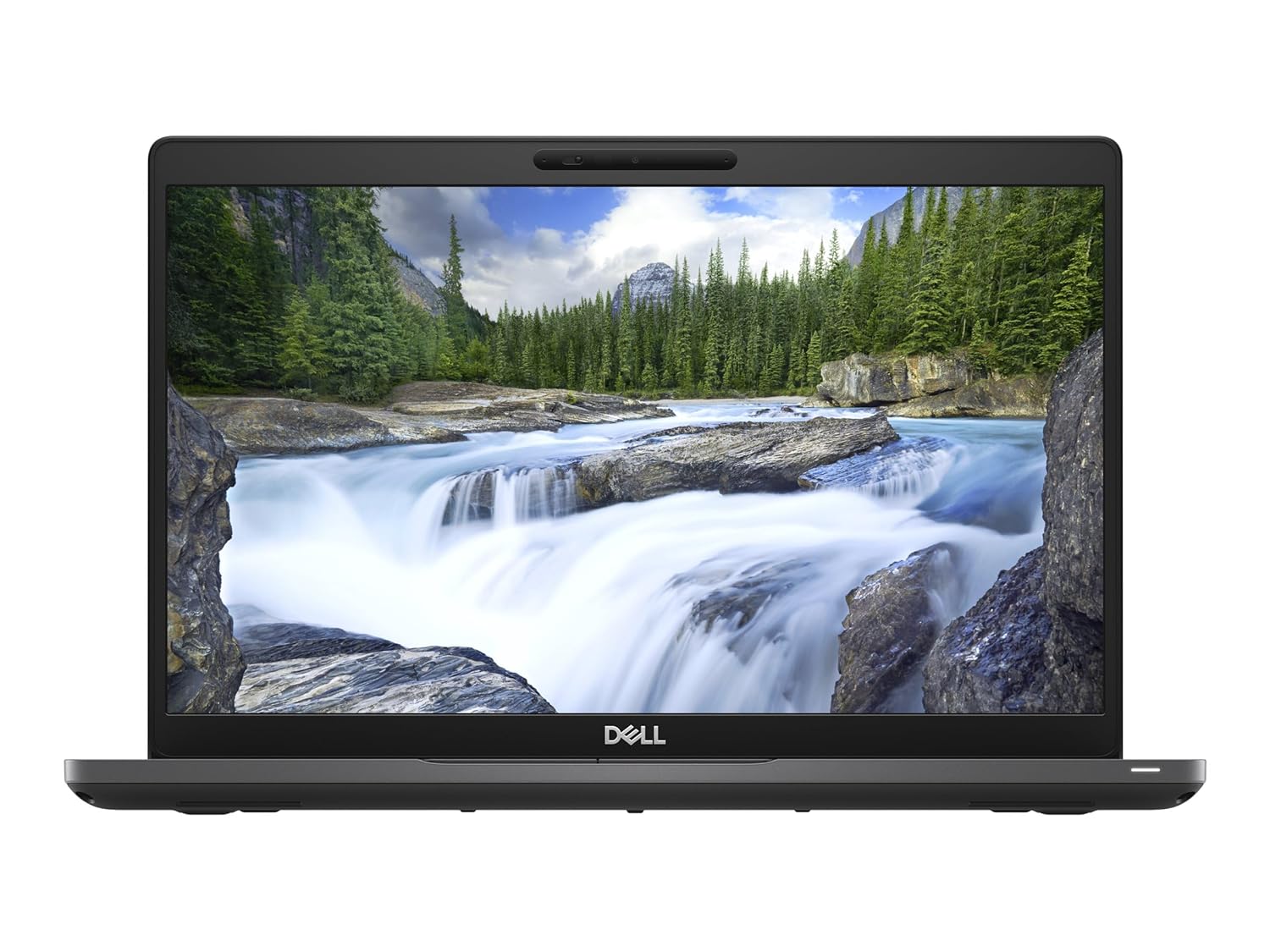 | LAPTOP Dell Latitude 5490 i5 8th Gen 8GB 256GB SSD 14 inch (Refurbished) ₹55000 The Dell Latitude 5490 is a reliable, business-oriented laptop with the following key specifications: Screen Size: 14 inches with an anti-glare... View product → |
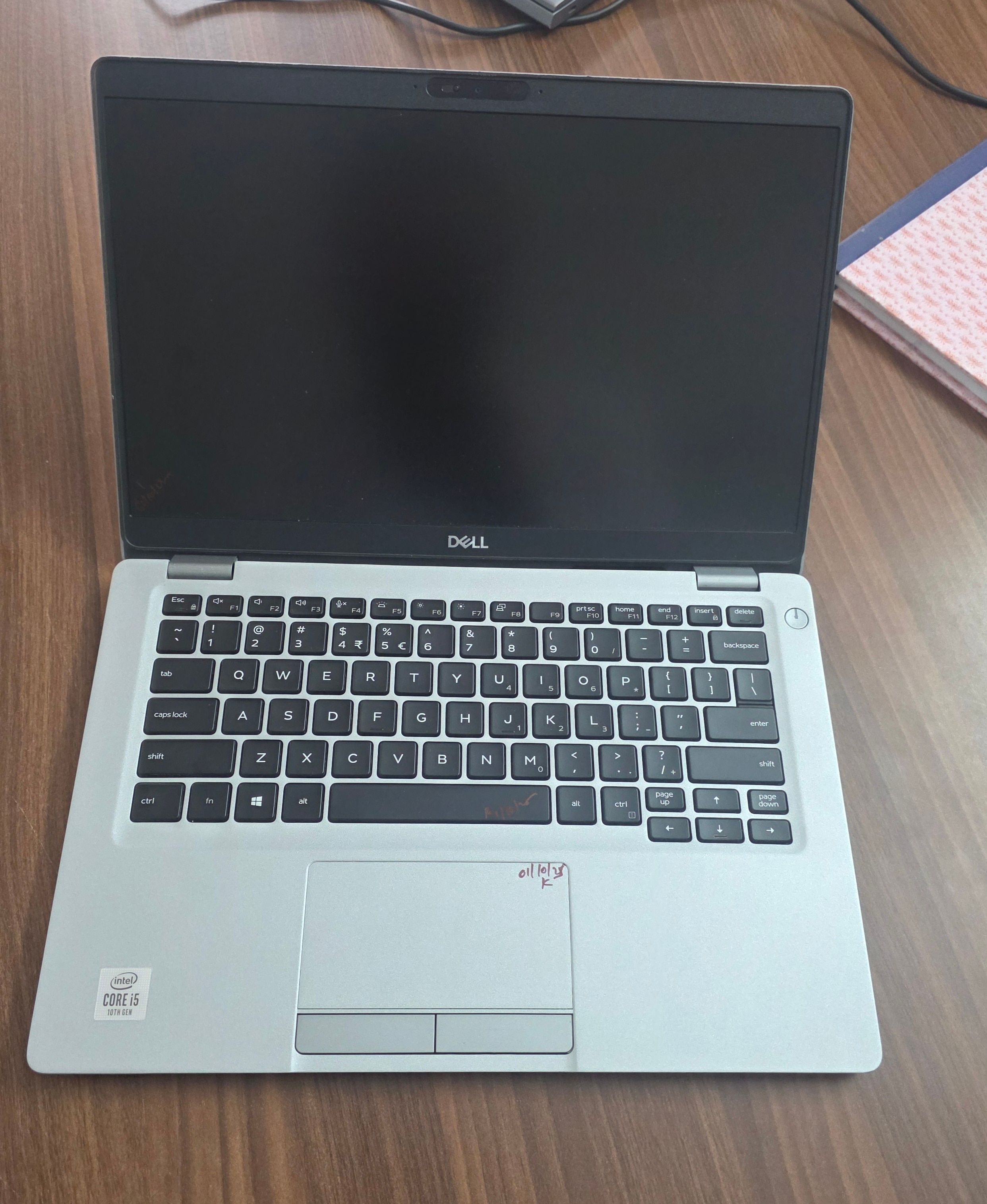 | Laptop Dell Latitude 5310 Touch i5 10th Gen 16GB RAM 256GB SSD (Refurbished) ₹99999 Upgrade your work experience with the Dell Latitude 5310 Touch Refurbished Laptop, a reliable and powerful machine from Dell’s premium Latitude... View product → |
Frequently asked questions
Which Dell Latitude configuration is best for general-purpose work?
An eighth-generation Core i5 with 16 GB RAM and a 512 GB SSD suits office applications, accounting, research, video calls, and coding.
What is the difference between a Dell Latitude 7470 refurbished and a Dell Latitude 5490 refurbished?
The Latitude 5490 is the newer platform and better choice for sustained performance, while the Latitude 7470 suits basic office work when its condition and price are stronger.
What should you inspect before buying a refurbished Latitude?
Test the battery, display, keyboard, trackpad, ports, webcam, speakers, charger, SSD, BIOS, and operating system activation.
What should you ask refurbished laptop dealers in NCR before paying?
Ask for the exact configuration, serial number, battery condition, refurbishment work completed, warranty duration, return policy, invoice, and any replacement-part details.
Related products
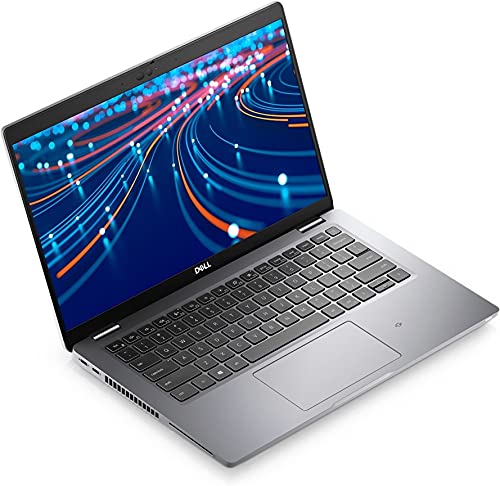 | LAPTOP Dell Latitude 5420 i5 11th 8GB 256GB Screen (Refurbished) ₹110000 Dell Latitude 5420 – Intel Core i5 11th Gen | 16GB RAM | 512GB SSD | Touch Screen (Refurbished) Upgrade your productivity with the powerful and sleek... View product → |
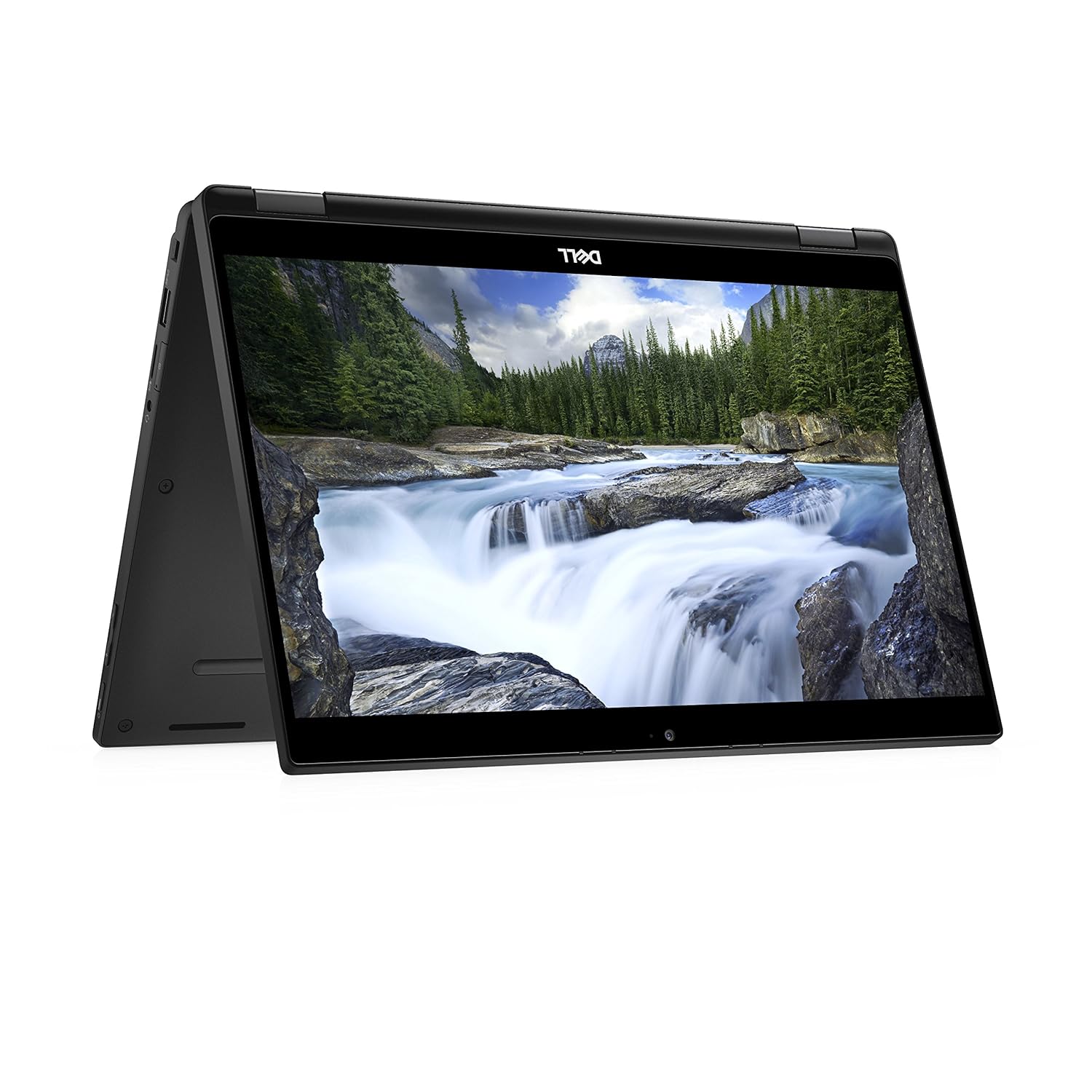 | LAPTOP DELL LATITUDE 7390 2 IN 1 LAPTOP I7 8TH GEN 16GB 256GB SSD (REFURBISHED) ₹79000 The Dell Latitude 7390 2-in-1 Laptop (Refurbished) is a premium, lightweight device perfect for professionals. View product → |
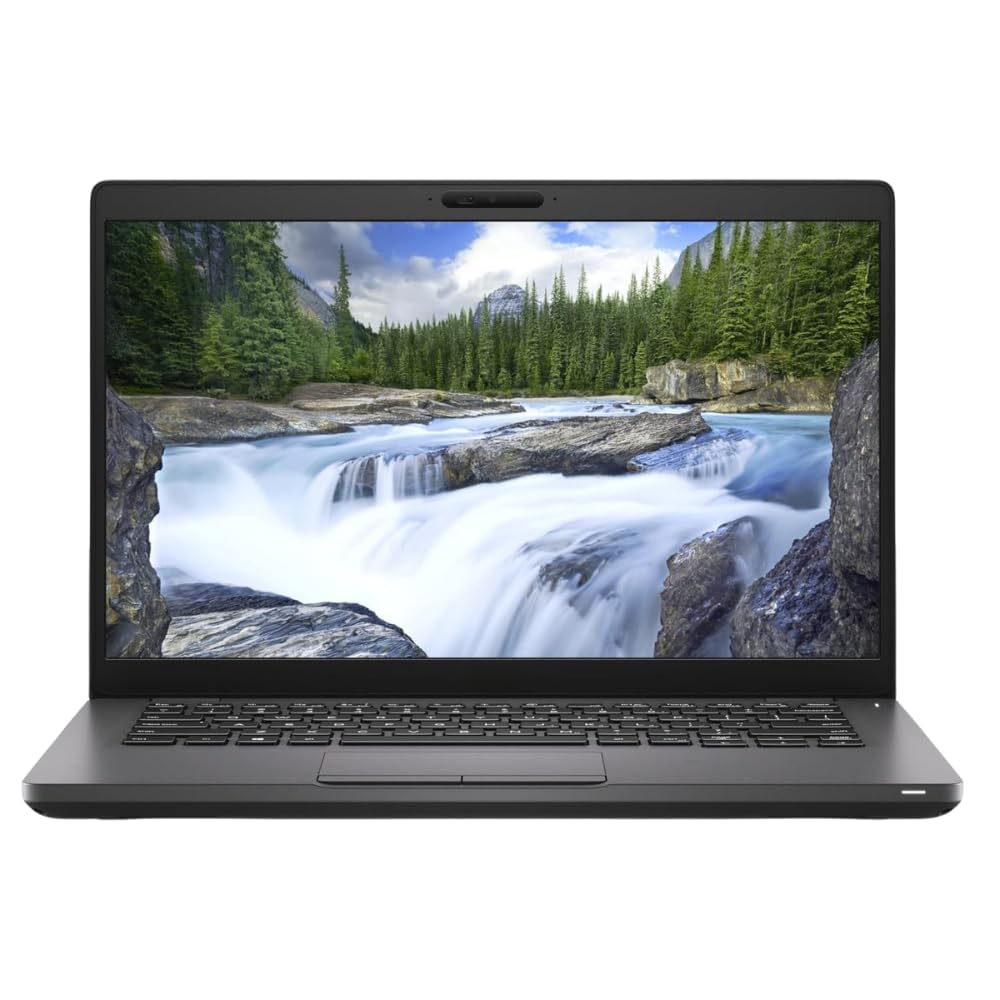 | LAPTOP DELL LATITUDE 5400 I5 8TH GEN 16GB RAM 512GB SSD 14 INCH HD ₹89999 The Dell Latitude 5400 (Refurbished) is a powerful and reliable business laptop designed for professionals who value performance, durability, and... View product → |
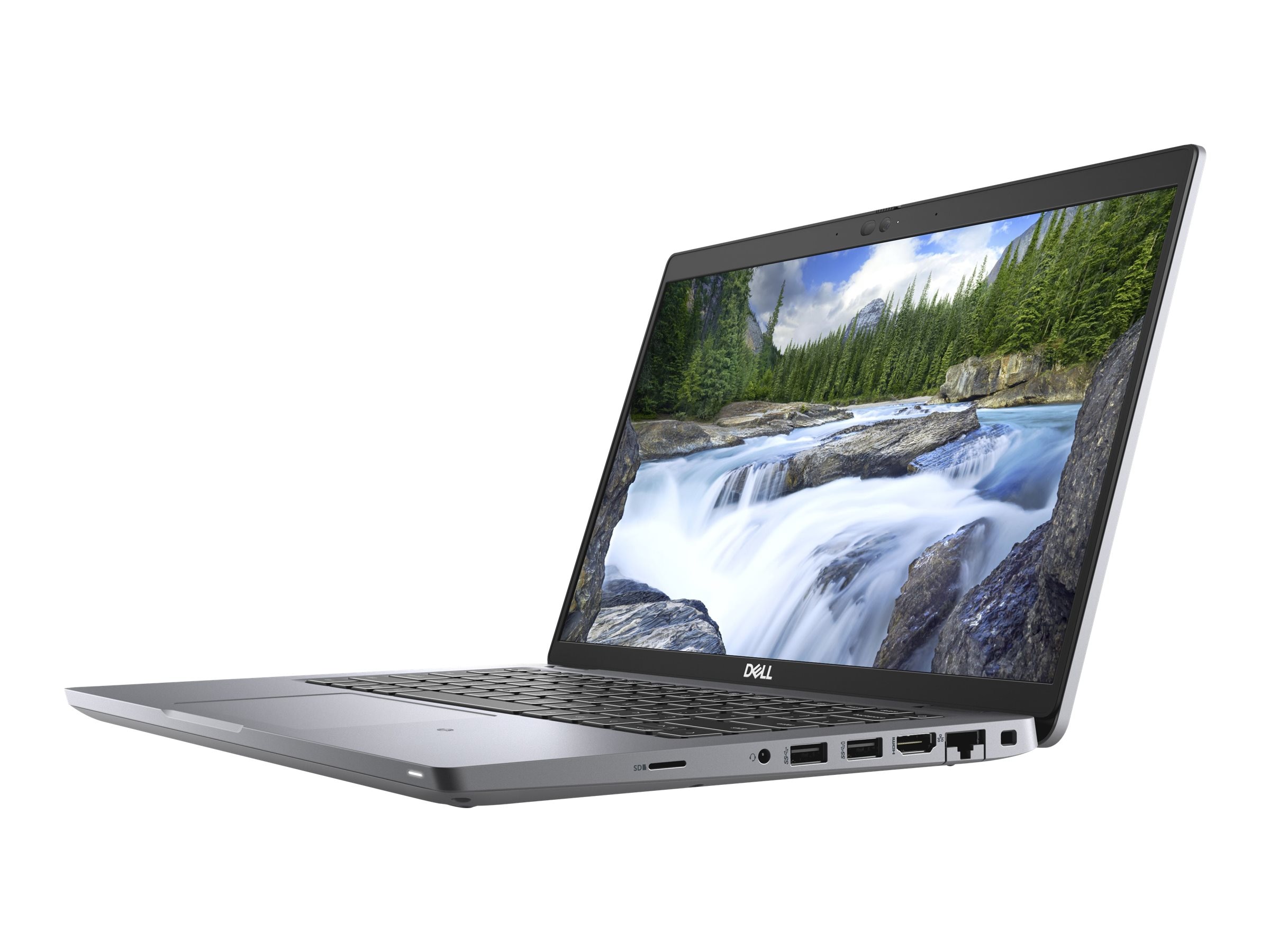 | LAPTOP DELL LATITUDE 5420 TOUCH I7 11TH GEN 8GB 256GB SSD ₹136999 🔥 **Refurbished Dell Latitude 5420 – High-Performance Business Laptop at the Best Price!** 💻 Upgrade to the Refurbished Dell Latitude 5420, a... View product → |
Keywords