The HP EliteBook 840 G6 can handle most office, accounting, communication and browser-based workloads, but the right configuration depends on how many applications you run together. By comparing workload limits, RAM, SSD capacity, competing business laptops and refurbishment checks, you can decide whether a particular unit fits your job rather than relying on the model name alone.
Key takeaways
- Choose 8GB RAM for basic office work and 16GB for heavier multitasking.
- Prefer an NVMe SSD and verify its health before purchase.
- Compare battery health, display condition, ports and warranty—not just processor models.
- Ask NCR sellers for exact CPU, RAM, SSD, battery and return-policy details.
Which everyday applications suit the HP EliteBook 840 G6?
The HP EliteBook 840 G6 runs Microsoft Word, Excel, Outlook, Google Workspace, PDF tools, accounting packages, browser-based ERP or CRM systems, and video meetings without difficulty. Its eighth-generation Core i5-8265U or i5-8365U processor has four cores and eight threads, which suits office, study and administrative workloads.
| Application | Suitability | Limitation |
|---|---|---|
| Microsoft Word, Excel and PowerPoint | Strong | Very large workbooks with complex formulas can slow down |
| Google Workspace and email | Strong | Many browser tabs consume memory |
| Accounting software and PDF tools | Strong | Check compatibility with any specialised desktop add-ons |
| ERP, CRM and online administration | Strong | Performance depends on internet speed and the web application |
| Teams, Zoom and Meet | Good | Keep unnecessary applications closed during calls |
| Light coding and development tools | Good | Not ideal for several virtual machines |
| Premiere Pro, DaVinci Resolve, AutoCAD and 3D software | Poor fit | The processor and integrated graphics are not designed for sustained rendering |
| Modern games and local AI tools | Poor fit | Dedicated graphics and stronger cooling are required |
For refurbished laptops NCR buyers comparing an HP EliteBook 840 G6, 16 GB RAM is the safer choice when Excel, Teams, accounting software and numerous Chrome tabs run together. An 8 GB model handles basic documents and study work but reaches its limit sooner.
A 512 GB NVMe SSD also gives more room for Windows, cached mail and local files than 256 GB. HP laptops for office work need not be gaming machines, but demanding creative or engineering applications call for a different class of laptop.
How much RAM and SSD capacity should you choose?
Choose 16GB RAM and a 512GB SSD if you keep many browser tabs open while running Teams or Zoom, Excel, email, accounting software and PDFs. Choose 8GB and 256GB only for lighter use with one main application at a time and files stored in the cloud.
| Option | What it handles | Trade-off |
|---|---|---|
| 8GB RAM | Word, email, Google Workspace, light Excel and accounting | Browser tabs and video calls can push Windows into slower disk-based memory |
| 16GB RAM | Office apps, Teams or Zoom, many tabs, larger spreadsheets and browser ERP systems together | Costs more, but avoids an immediate memory upgrade |
| 256GB SSD | Windows, applications and a modest local document collection | Leaves substantially less room for updates, cached mail, browser profiles and offline files |
| 512GB SSD | Work applications, local documents, synced folders and more breathing room | Adds capacity rather than making Office applications proportionally faster |
The HP EliteBook 840 G6 has two user-accessible DDR4 SODIMM slots, so an 8GB unit can be upgraded. Include the price and availability of a matching module before comparing it with a 16GB hp elitebook 840 g6 refurbished listing.
For an nvme laptop in delhi, ask for the installed drive model. The M.2 2280 slot and “M.2” label do not prove NVMe; check BIOS or Windows. Confirm battery health with powercfg /batteryreport, comparing design capacity with current full-charge capacity before paying extra for the larger configuration.
How does the 840 G6 compare with HP and Dell alternatives?
Choose the 840 G6 when a well-maintained 14-inch business laptop matters more than newer processor performance. Its 8th-generation Core i5, two DDR4 SODIMM slots and support for up to 32 GB make it a practical base for Office, accounting and browser-heavy work, especially if you find a 16 GB unit.
| Model | Better choice when | Main compromise |
|---|---|---|
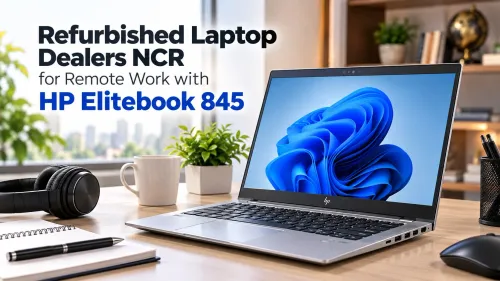
| HP EliteBook 840 G6 | You want a 14-inch screen, upgradeable memory and lower refurbished cost | Older Intel graphics, variable battery health and screen quality |
| HP EliteBook 845 G7 | You run heavier multitasking and want newer AMD Ryzen performance | Memory configuration and condition can cost more; inspect whether RAM is upgradeable |
| HP ProBook 435 G7 | You prioritise a smaller, lighter 13.3-inch laptop | Less premium chassis, smaller display and fewer workstation-style features |
| Dell Latitude 5400 or 5410 | You find a stronger battery, brighter screen or better warranty at the same price | Port selection, keyboard feel and build condition vary by exact model |
The 845 G7 is the better choice for sustained spreadsheets, many browser tabs, coding workloads or frequent video meetings. The 840 G6 wins when its 16 GB RAM, SSD health and battery condition beat an 8 GB newer-looking alternative.
For HP laptops for office work, compare the actual unit rather than the badge: check keyboard wear, hinge movement, USB-C looseness, fan noise, display brightness and Windows battery-report figures. Buyers comparing refurbished laptops NCR listings should also verify the exact screen, because “Full HD” does not reveal brightness or Sure View privacy filtering.
What should you inspect before accepting an 840 G6?
A short power-on demonstration is not enough: accept the laptop only after testing its display, ports, battery, firmware and operating system. For an HP EliteBook 840 G6 refurbished unit, record the serial number and confirm that the advertised processor, RAM, SSD and screen match the machine in front of you.
| Check | Pass | Failure to reject |
|---|---|---|
| Display | 1920×1080 panel, even brightness, no dead pixels or backlight bleed; confirm whether HP Sure View privacy filtering is fitted | Dark viewing angles, flicker, bright spots or an undisclosed panel |
| Battery | USB-C charging works; Windows reports usable full-charge capacity and no sudden percentage drops | Charging cuts out, battery swells, or capacity is materially below the written promise |
| Hardware | Cold boot, sleep/wake cycles, keyboard, touchpad, webcam, microphone, speakers, Wi-Fi, Ethernet, every USB port, HDMI and an external monitor all work | Any port, hinge, camera, cable or display-output fault |
| Software | BIOS opens without an unknown password; Windows activates; no Autopilot, MDM or Absolute/Computrace lock remains | Organisation enrolment, locked BIOS settings or an activation problem |
Run the tests unplugged and plugged in, then leave several browser tabs and a video call open for fifteen minutes. Inspect the lid, corners, screws and keyboard for cracks, liquid marks or excessive wear. Get the battery condition, replacement-part origin, SSD coverage and return period in writing; “refurbished” alone promises none of them.
Searches for refurbished laptops NCR HP EliteBook 840 G6 should be judged by this evidence, not the label.
Which questions make an NCR refurbished laptop listing comparable?
Two HP EliteBook 840 G6 listings are comparable only when the seller states the exact unit, not just the model name. Before paying, get these details in writing:
| Item | Ask the seller to state | Why it matters |
|---|---|---|
| Serial number | The machine’s serial number and matching photos | Prevents substitution |
| Condition | Cosmetic grade, replaced parts, battery condition and warranty length | “Refurbished” defines none of these |
| Battery | Design capacity, full-charge capacity, and whether the battery is covered | Ask for a Windows powercfg /batteryreport |
| Storage | SSD model, capacity, and whether it is NVMe PCIe or SATA | M.2 describes shape, not protocol |
| Display | 1920×1080 brightness, panel type, Sure View privacy filter, and pixel policy | “Full HD” does not reveal viewing quality |
| Control status | BIOS password status, Autopilot or MDM enrollment, and Absolute or Computrace status | A clean Windows install cannot remove every management lock |
| Returns | Return period, refund conditions, and whether SSD and battery are covered | Parts exclusions can make a fault expensive |
For a refurbished laptops NCR comparison, request the same answers from every seller. Buyers searching for an nvme laptop in delhi should also verify the drive in BIOS or Windows rather than trust the title.
Digidivine IT Solutions is worth comparing on the same written checklist, including whether an 8GB unit includes upgrade pricing for its second DDR4 SODIMM slot.
Related product
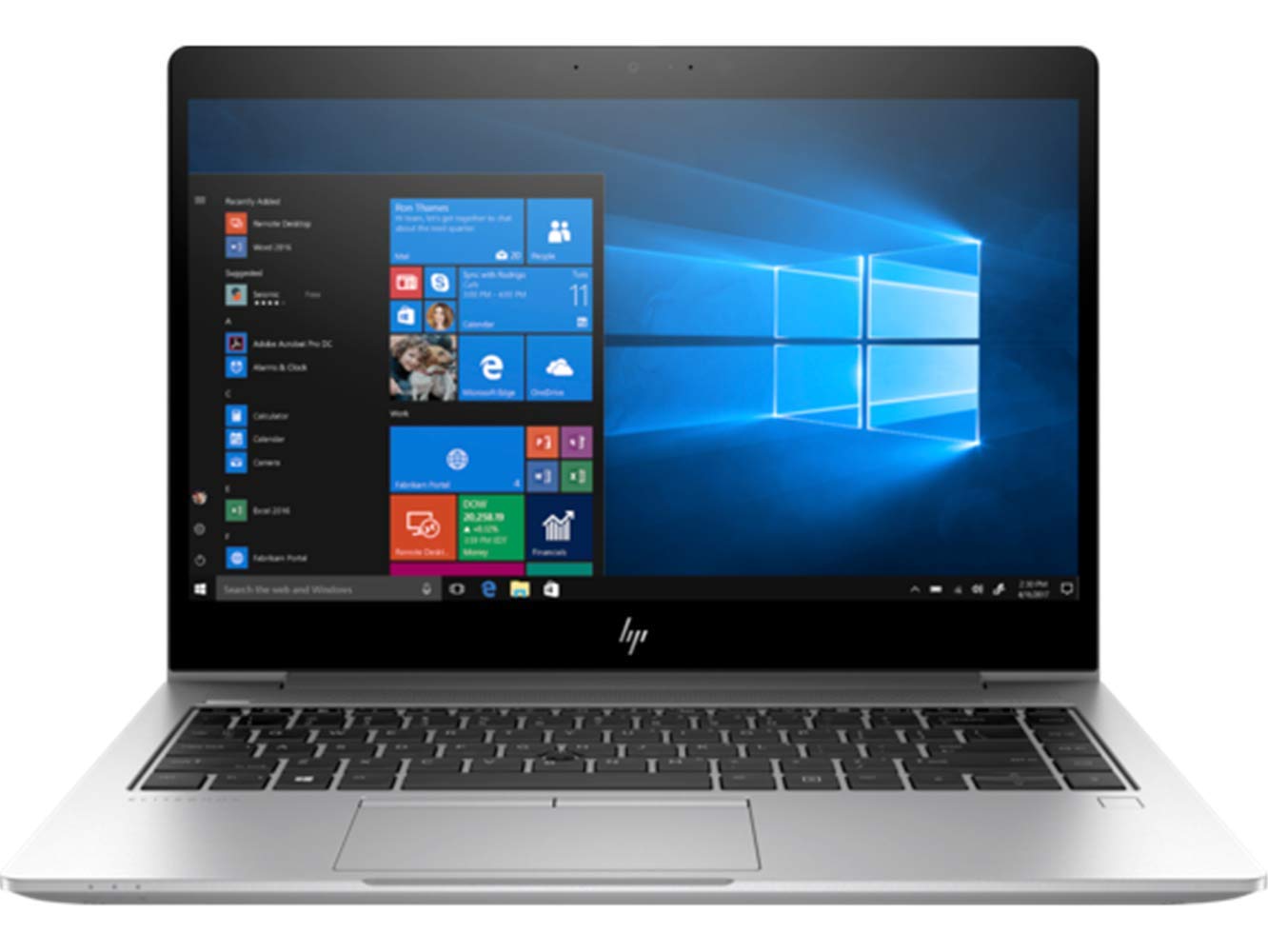 | LAPTOP HP ELITEBOOK 840 G6 I5 8TH GEN 8GB 256GB NVMe SSD 14 Inch FHD ₹99999 🖥️ HP EliteBook 840 G6 Business Laptop – Refurbished | 8th Gen Intel Core i5 | 16GB RAM | 512GB SSD | 14′′ FHD Display 💼 Overview The HP EliteBook... View product → |
Frequently asked questions
Which everyday applications suit the HP EliteBook 840 G6?
It suits Microsoft Word, Excel, Outlook, Google Workspace, PDF tools, accounting software, browser-based ERP and CRM systems, and video meetings. Its eighth-generation Core i5-8265U or i5-8365U processor has four cores and eight threads for office, study and administrative workloads.
How much RAM and SSD capacity should you choose?
Choose 8GB RAM for documents, email and moderate browser use; choose 16GB for large spreadsheets, many browser tabs, video meetings and heavier multitasking. A 256GB SSD covers core work files, while 512GB gives more room for applications and local data. Prefer an NVMe SSD when the listing confirms it.
How does the 840 G6 compare with HP and Dell alternatives?
Compare it with similar business models such as the HP EliteBook 830 G6, HP ProBook 440 G6, Dell Latitude 5400 and Dell Latitude 7400. Check the exact processor, screen resolution, RAM, SSD type, battery condition, ports and warranty because model names alone do not establish equivalent specifications.
What should you inspect before accepting an 840 G6?
Check the screen for dead pixels and bright spots, test the keyboard, touchpad, webcam, speakers, Wi-Fi, USB ports, HDMI, charging port and fingerprint reader, if fitted. Confirm the battery report, SSD health, BIOS status, charger and Windows activation before accepting delivery.
Which questions make an NCR refurbished laptop listing comparable?
Ask for the exact CPU model, RAM amount and upgrade options, SSD capacity and NVMe or SATA type, screen resolution, battery health or backup estimate, cosmetic grade, included charger, warranty duration, return window and the seller’s invoice details.
Keywords